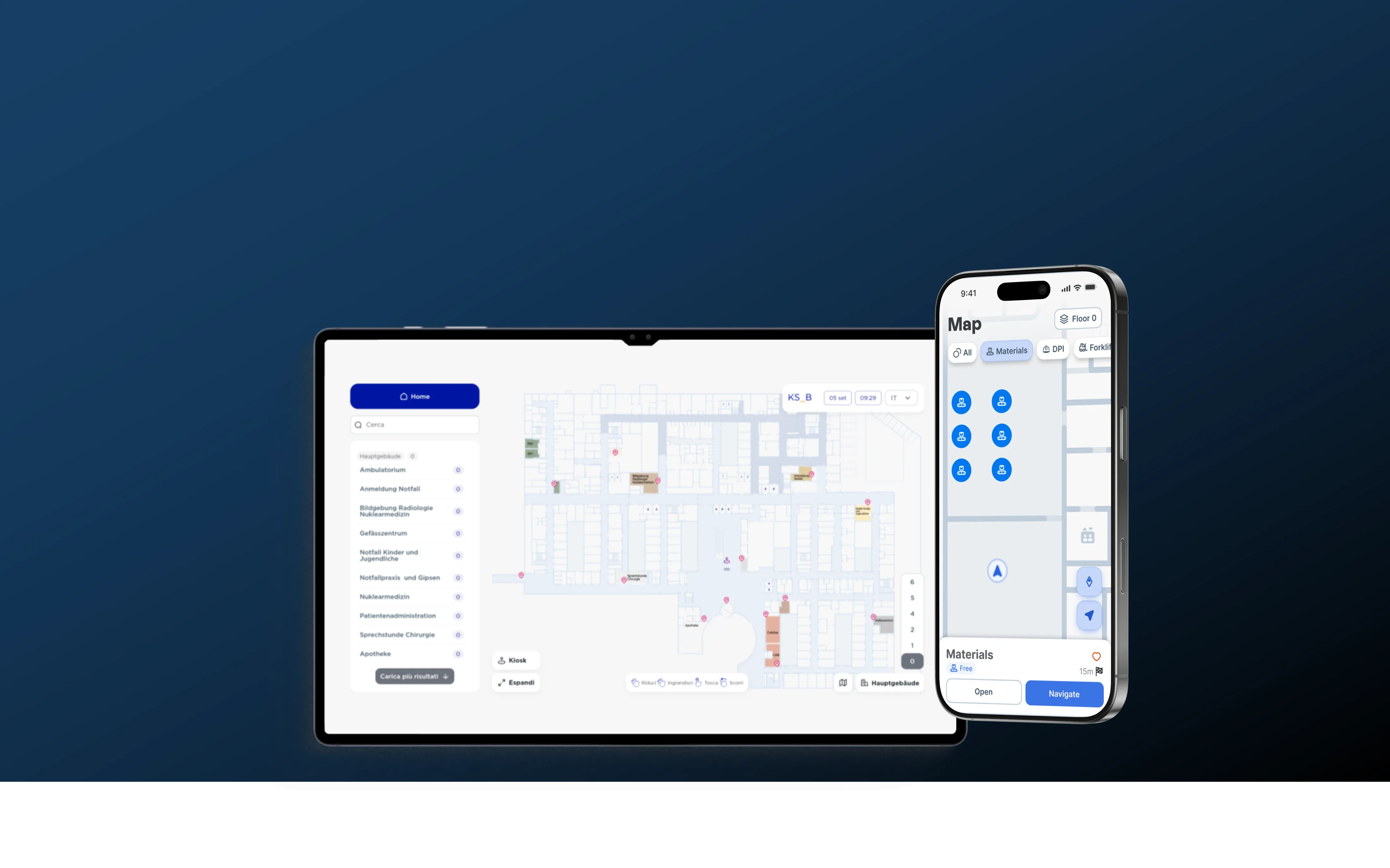
- Upload your existing floor plan or site layout and use it as the foundation for your digital environment.
- Define important physical spaces by clicking and dragging shapes that match the real-world layout of important rooms, areas, zones, workstations, storage points, equipment locations, or other places that need to be visible.
- Control what appears on each map view, showing or hiding floors, rooms, and areas so each map view stays focused on the information users need.