Intralogistics Tracking for Roll Cages, Containers, and Forklifts
Know where your handling assets are, where material is waiting, and how your fleet moves. BlueGPS brings real-time visibility to intralogistics with operational context to help warehouses, distribution centers, and manufacturing facilities reduce searches, improve asset availability, and keep material flowing from receiving to dispatch.
Platform overview
One Platform, Three Operational Goals
Keep Material Moving
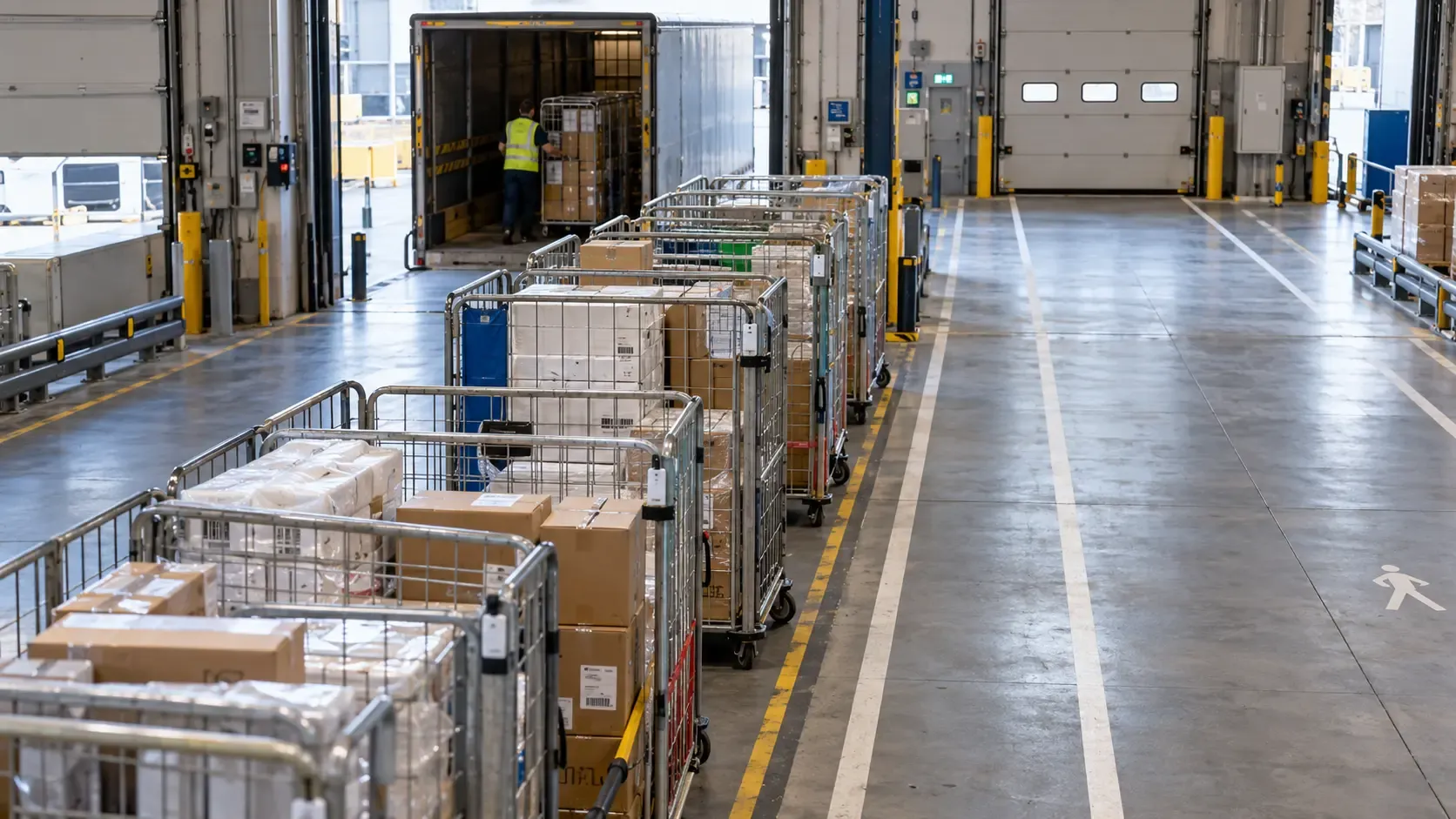
Follow roll cages, containers, and handling equipment through receiving, storage, staging, production, and dispatch. Identify where assets accumulate, where handovers slow down, and which movements need attention.
Make Better Use of Assets
Understand how forklifts and container pools serve each area and shift. Use movement, waiting time, and return cycles to improve allocation and assess whether you need more equipment.
Connect Movement With Operations
Link asset identities and location events with warehouse and business records. Give teams a shared view of what has arrived, what remains in staging, and what has moved toward its next destination.
Industry challenges
When Material Stops Moving, Costs Keep Running
Assets can be on site and still unavailable
Roll cages and containers move between departments, buildings, and facilities, making their location difficult to maintain through manual records.
Empty assets remain in receiving or dispatch while other areas run short.
Teams spend time searching for containers that have been moved, parked out of sight, or left in the wrong zone.
Staging areas fill with material waiting for a handover, inspection, or onward movement.
A container’s last scan may show where it was recorded rather than where it is now.
Returns take longer than expected, increasing the number of assets needed to support the same workload.
Fleet activity does not always translate into throughput.
Forklifts can spend a shift moving while completing fewer useful transport tasks than expected.
Queues at loading bays, crossings, and collection points reduce the time available for handling work.
One department may face a vehicle shortage while equipment waits elsewhere.
Repeated journeys and long routes increase travel without increasing output.
Shift averages can hide short periods of congestion that disrupt the operation.
Fleet expansion decisions become harder when teams cannot separate demand peaks from delays in the process.
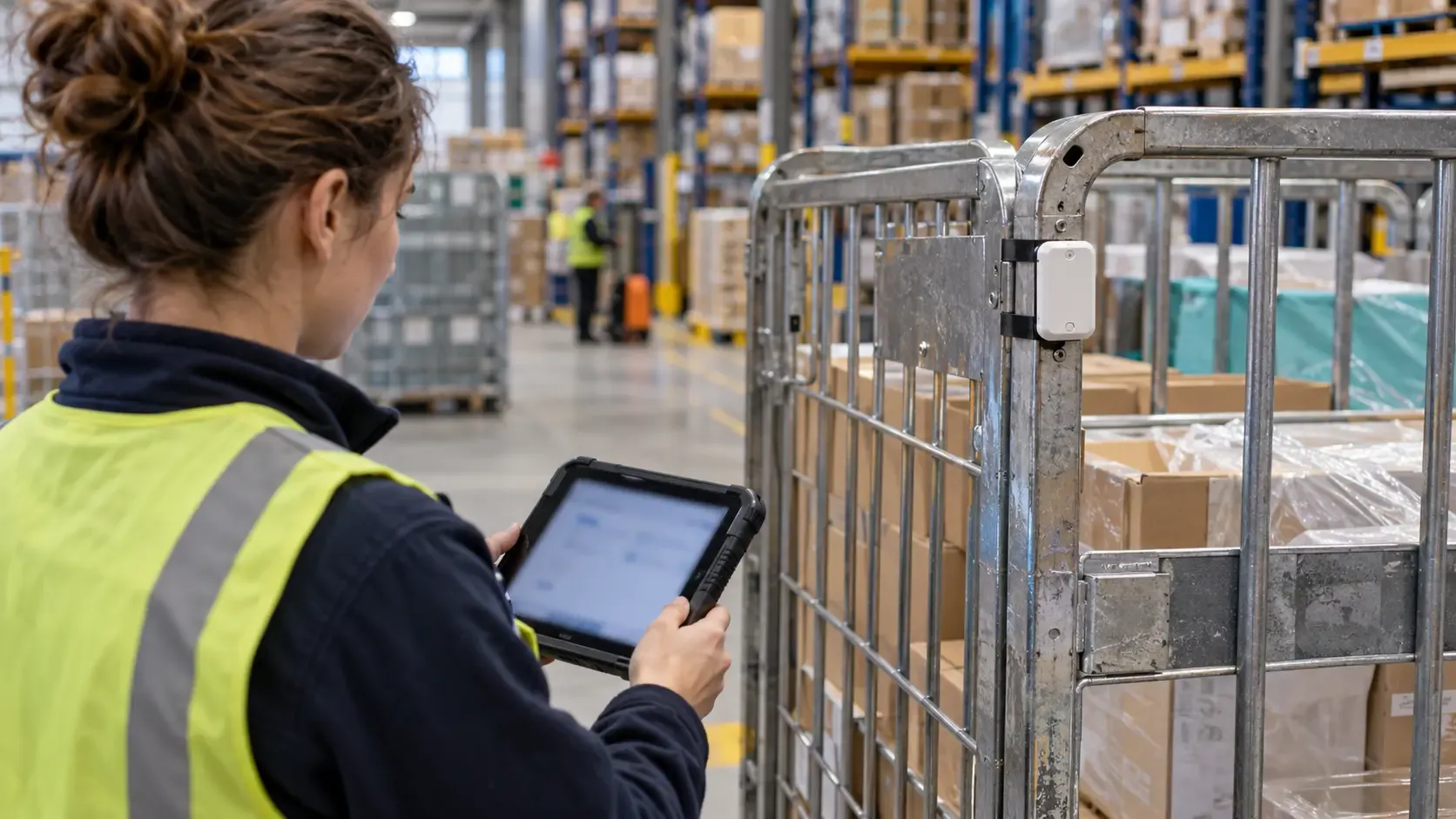
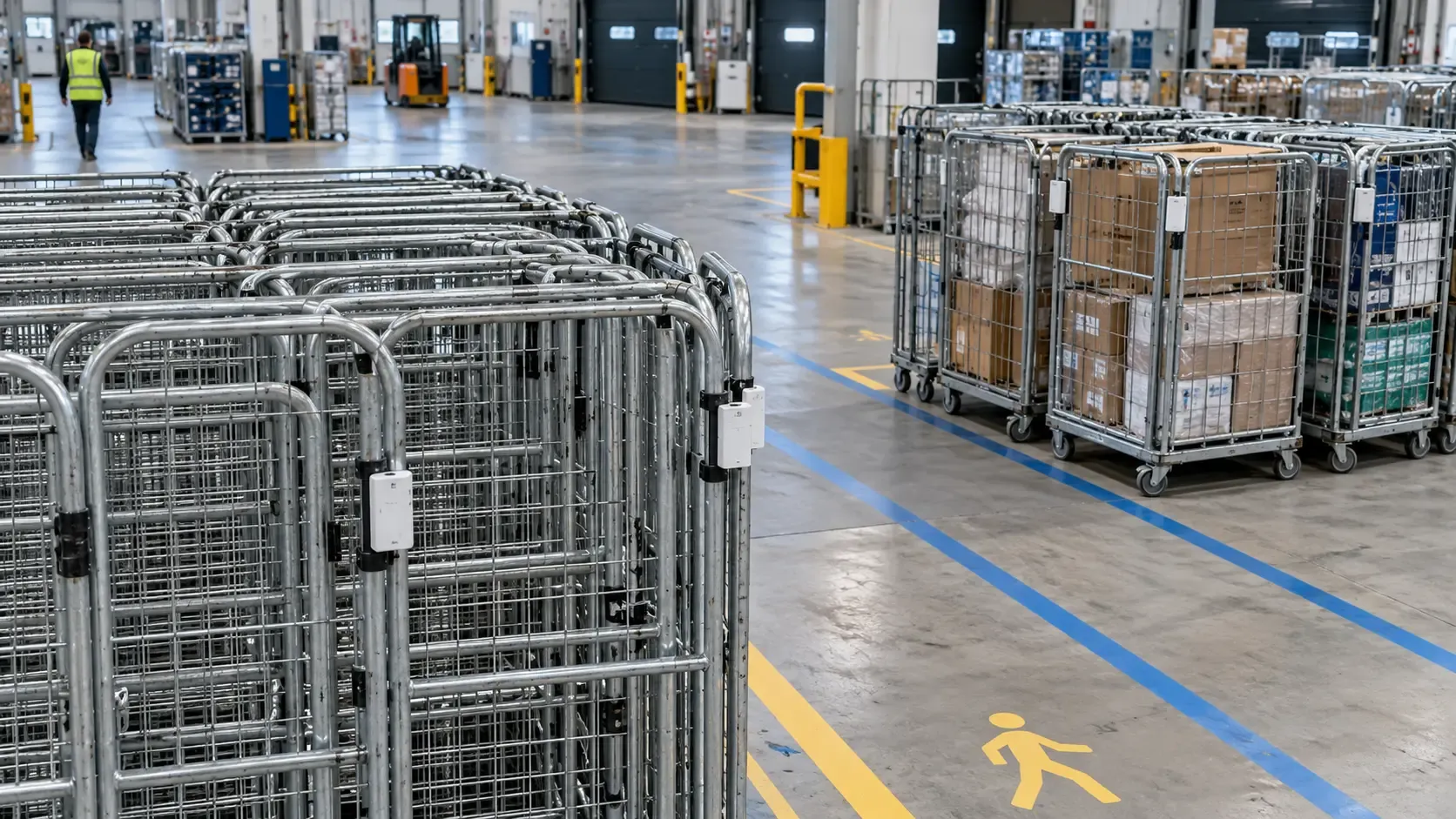
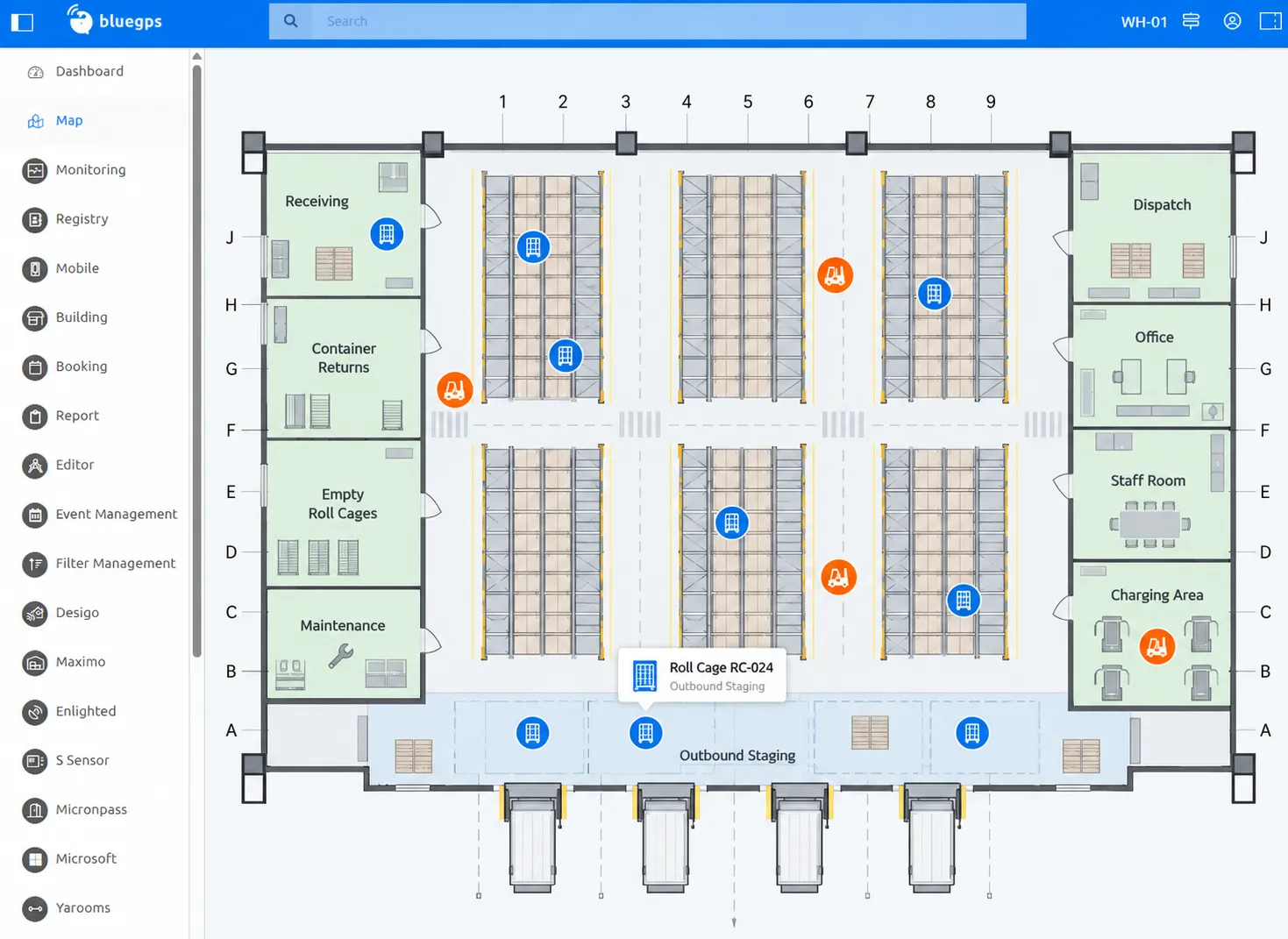
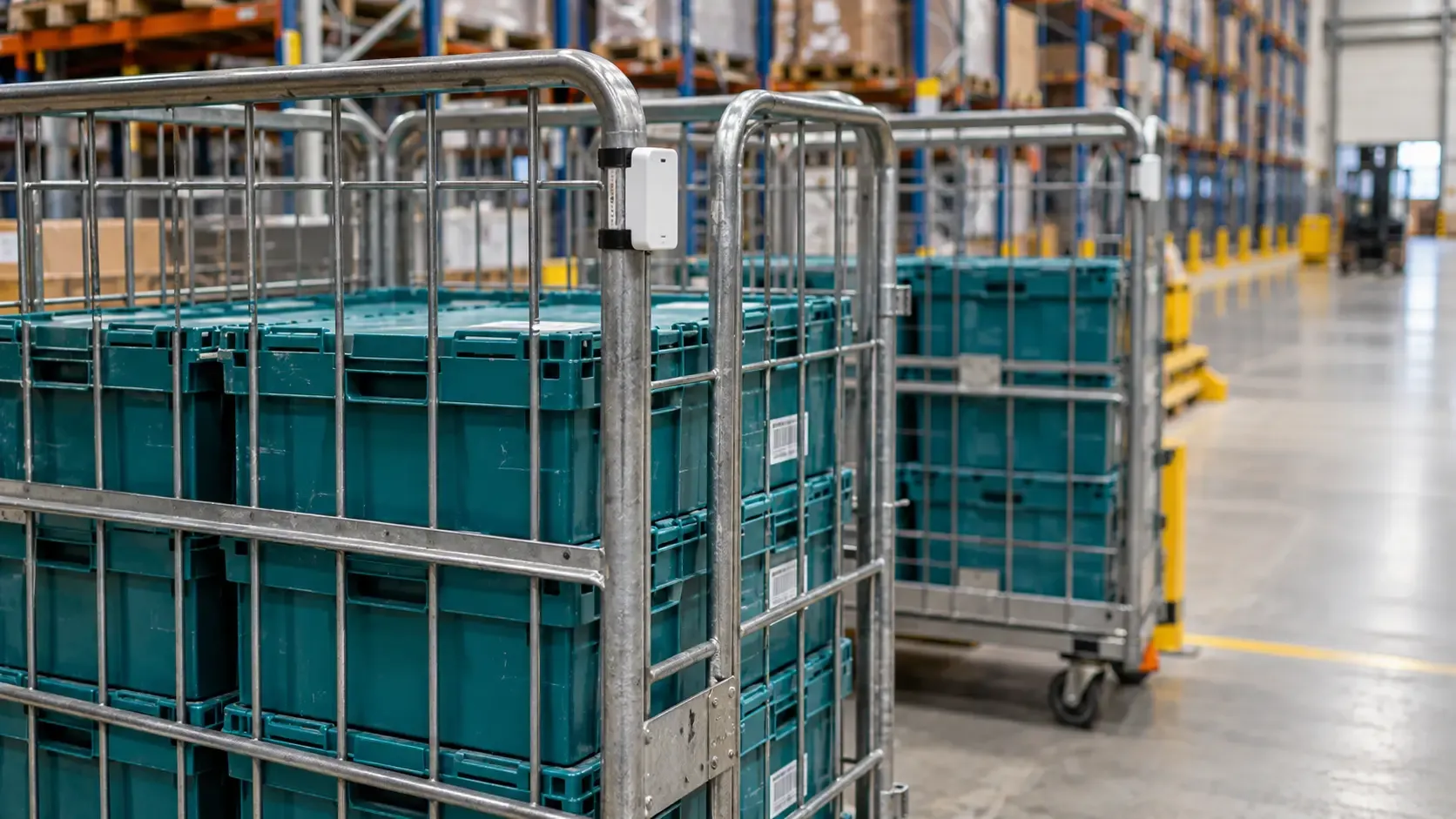
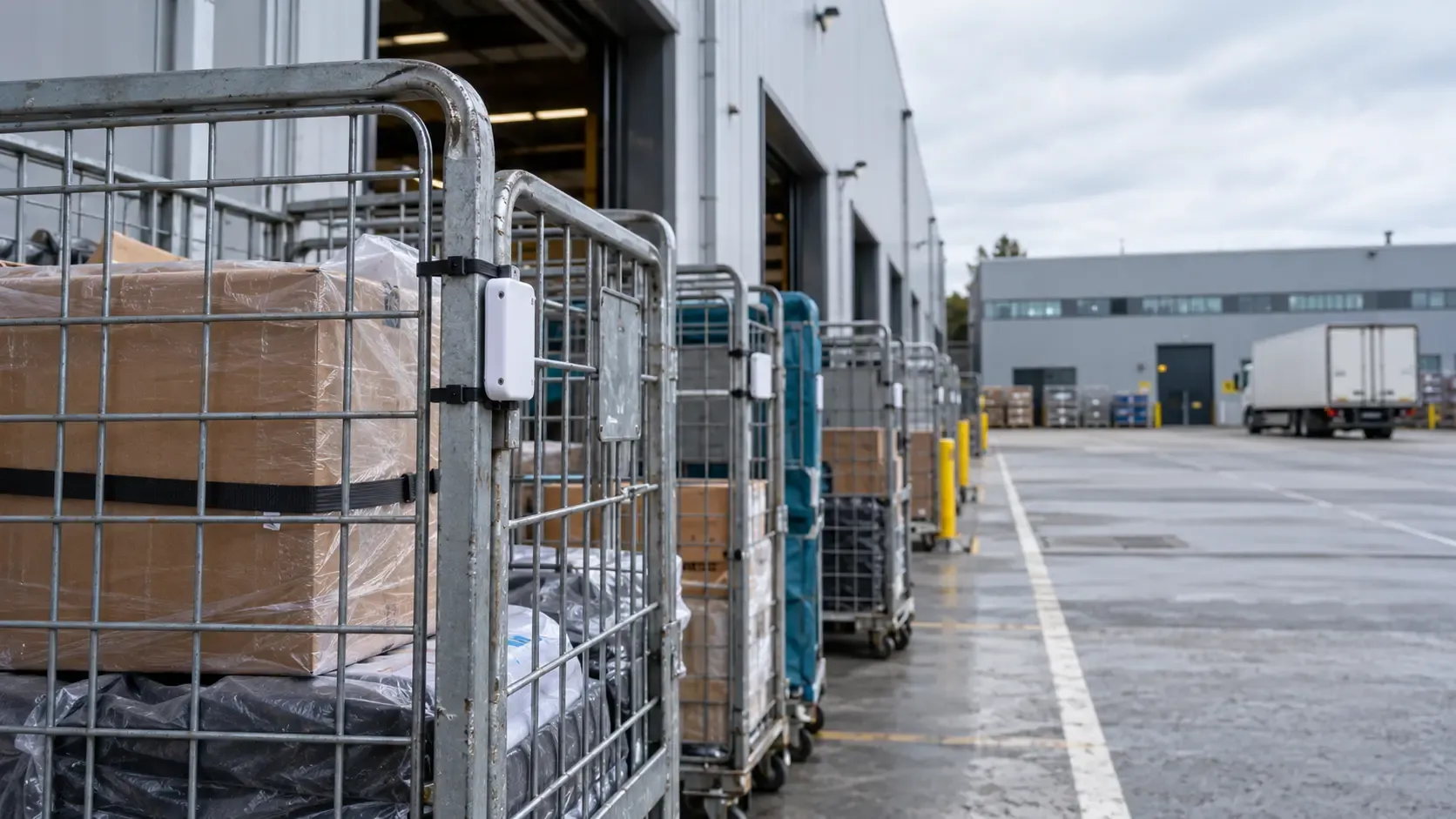
Locate roll cages, roll containers, stillages, trolleys, and returnable transport items across covered areas. See where assets are concentrated and help teams find the equipment they need without walking the facility.
Movement Between Spaces
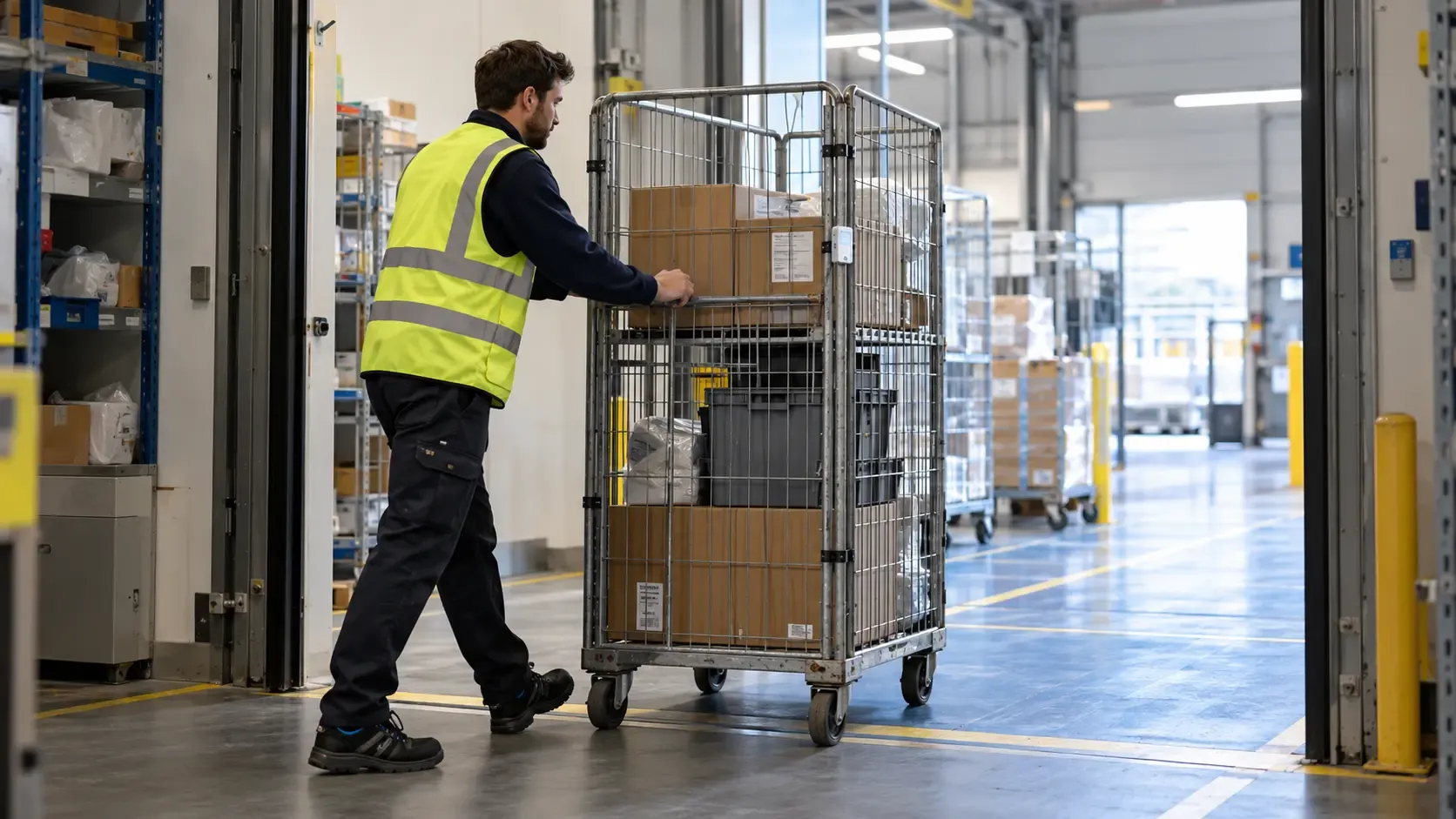
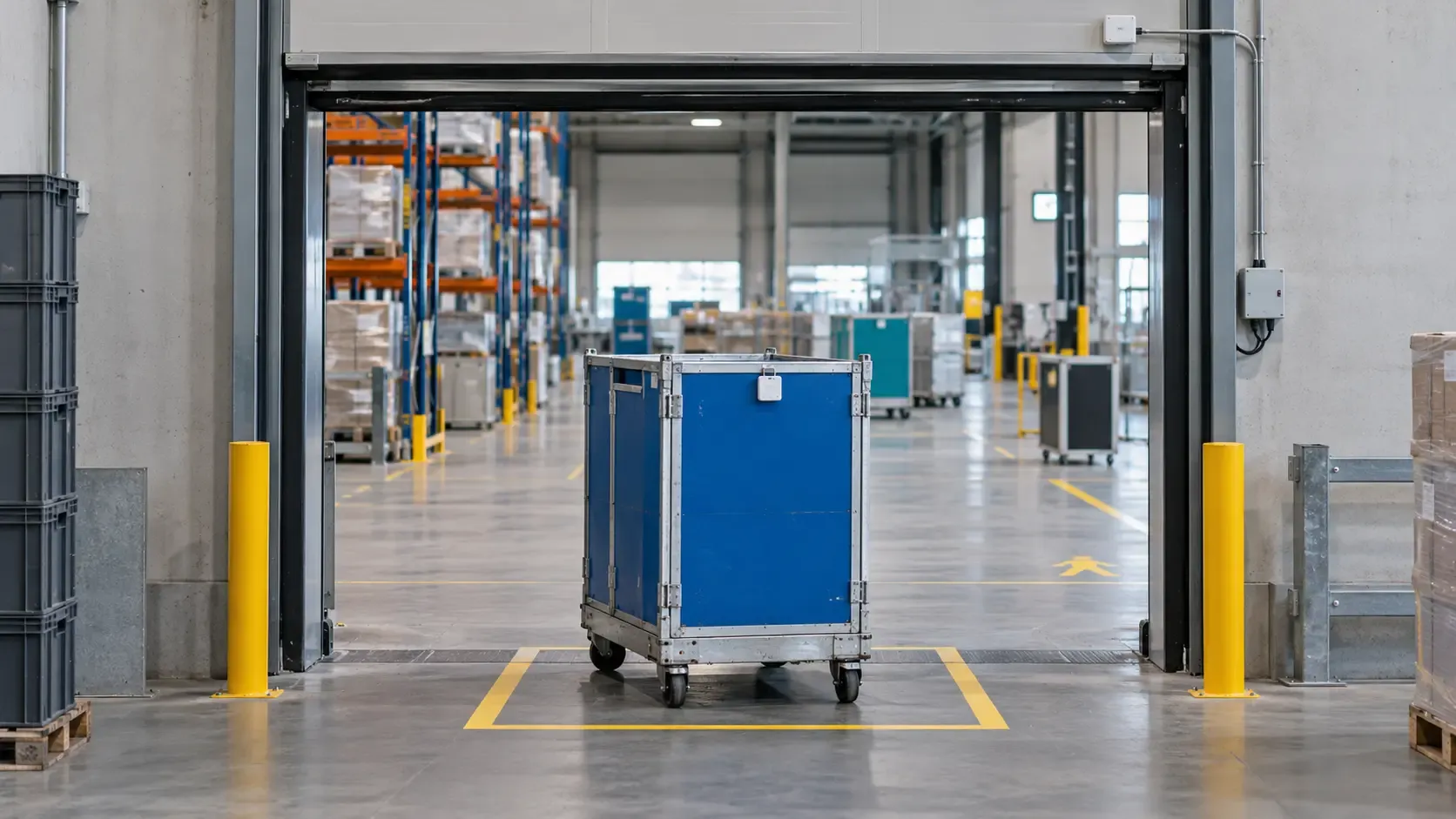
Record entry, exit, and dwell time in receiving, storage, staging, production, and dispatch zones. Turn movement between spaces into a view of how material progresses through the operation.
Forklift Movement and Utilization
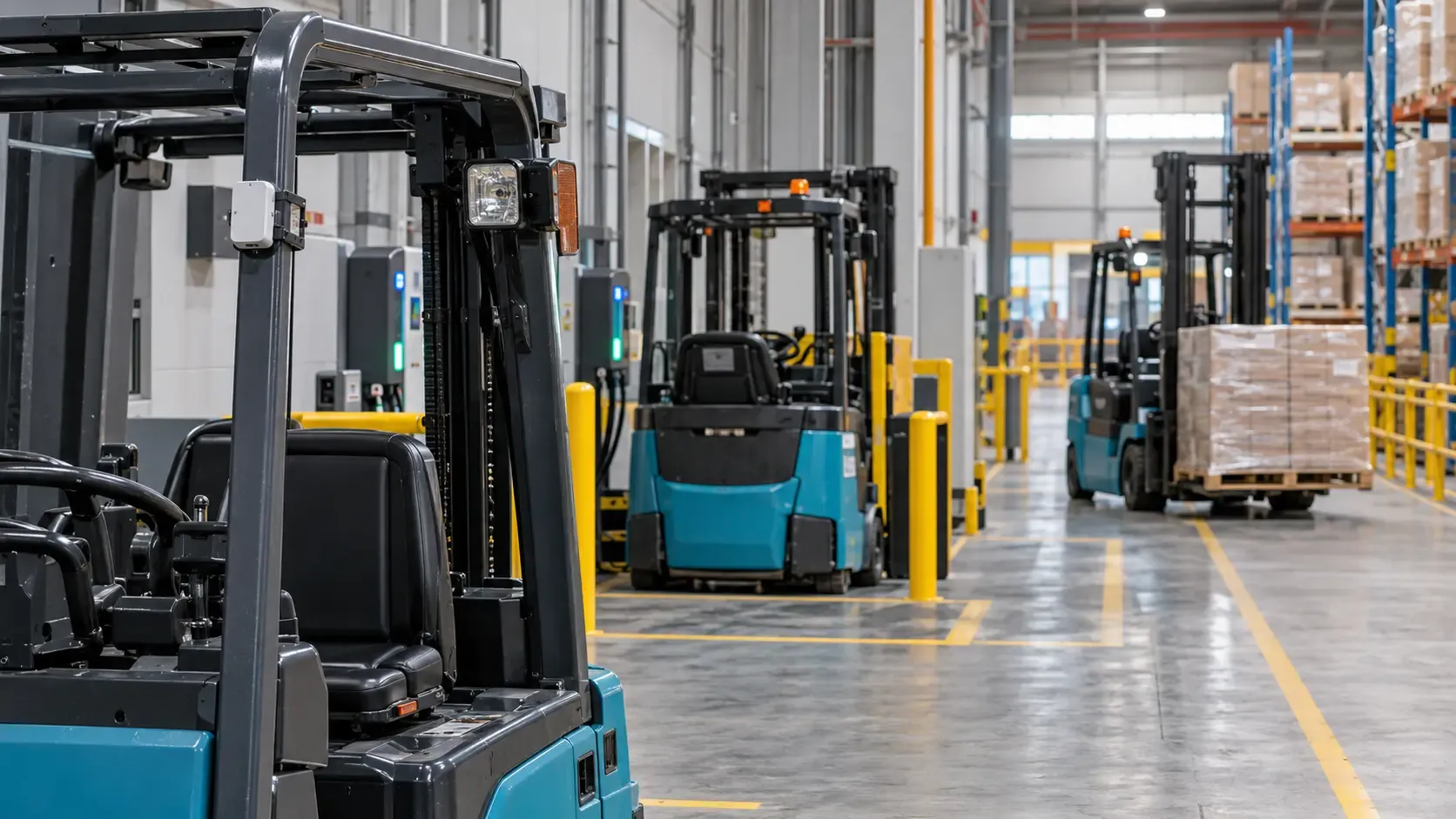
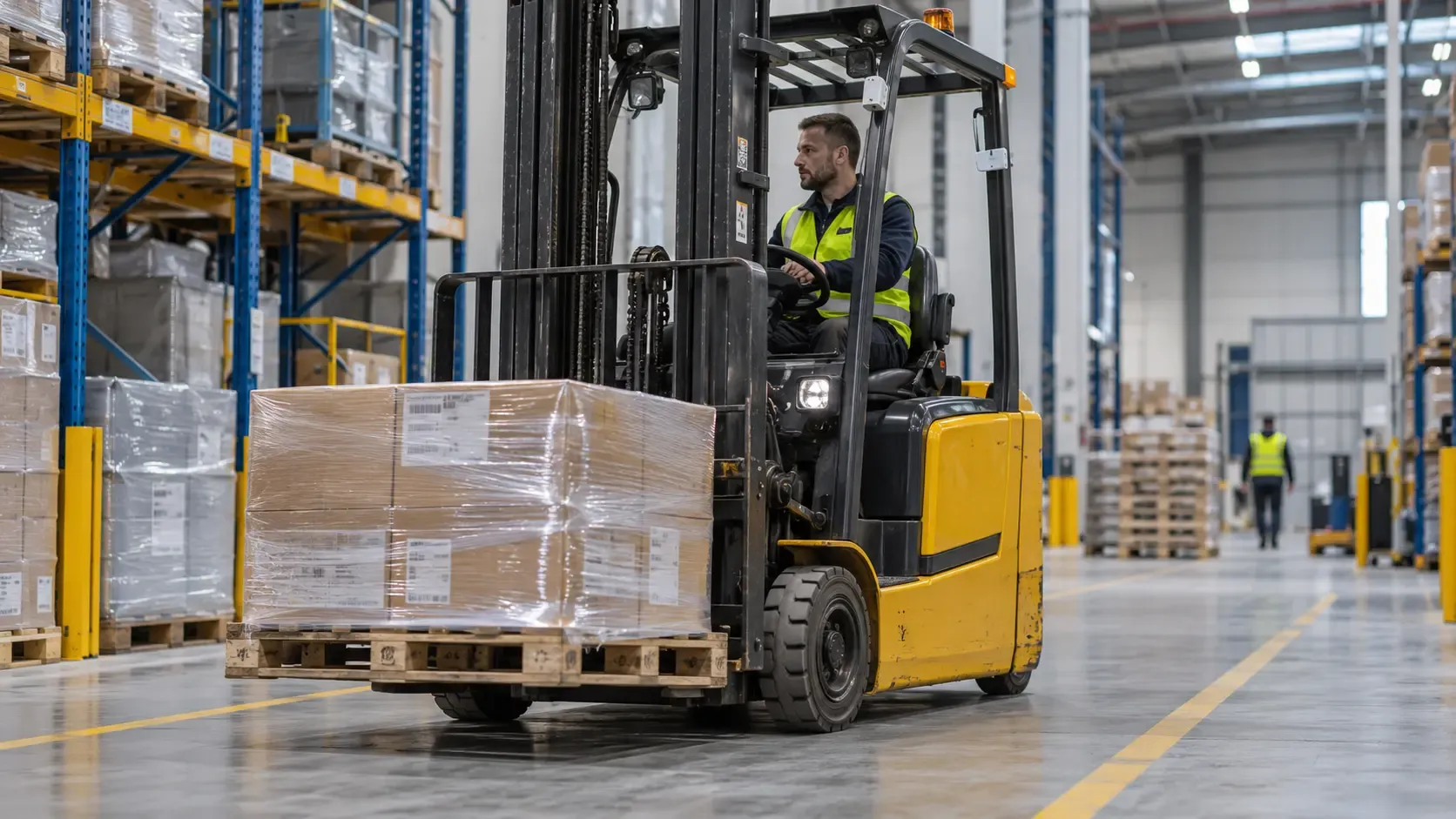
Track forklift routes, travel patterns, and time spent stationary in defined areas. Combine these observations with task or vehicle data to understand how fleet activity supports material handling.
Asset Circulation Across Facilities
Follow container transfers and returns across connected sites. Understand which facilities hold assets, how long they retain them, and where collection or redistribution could improve availability.
Explore the tracking technologies behind your intralogistics solution.
A missing roll cage can delay picking, replenishment, or dispatch even when dozens remain somewhere on site. BlueGPS helps teams locate tagged handling assets on facility maps and identify the areas holding them.
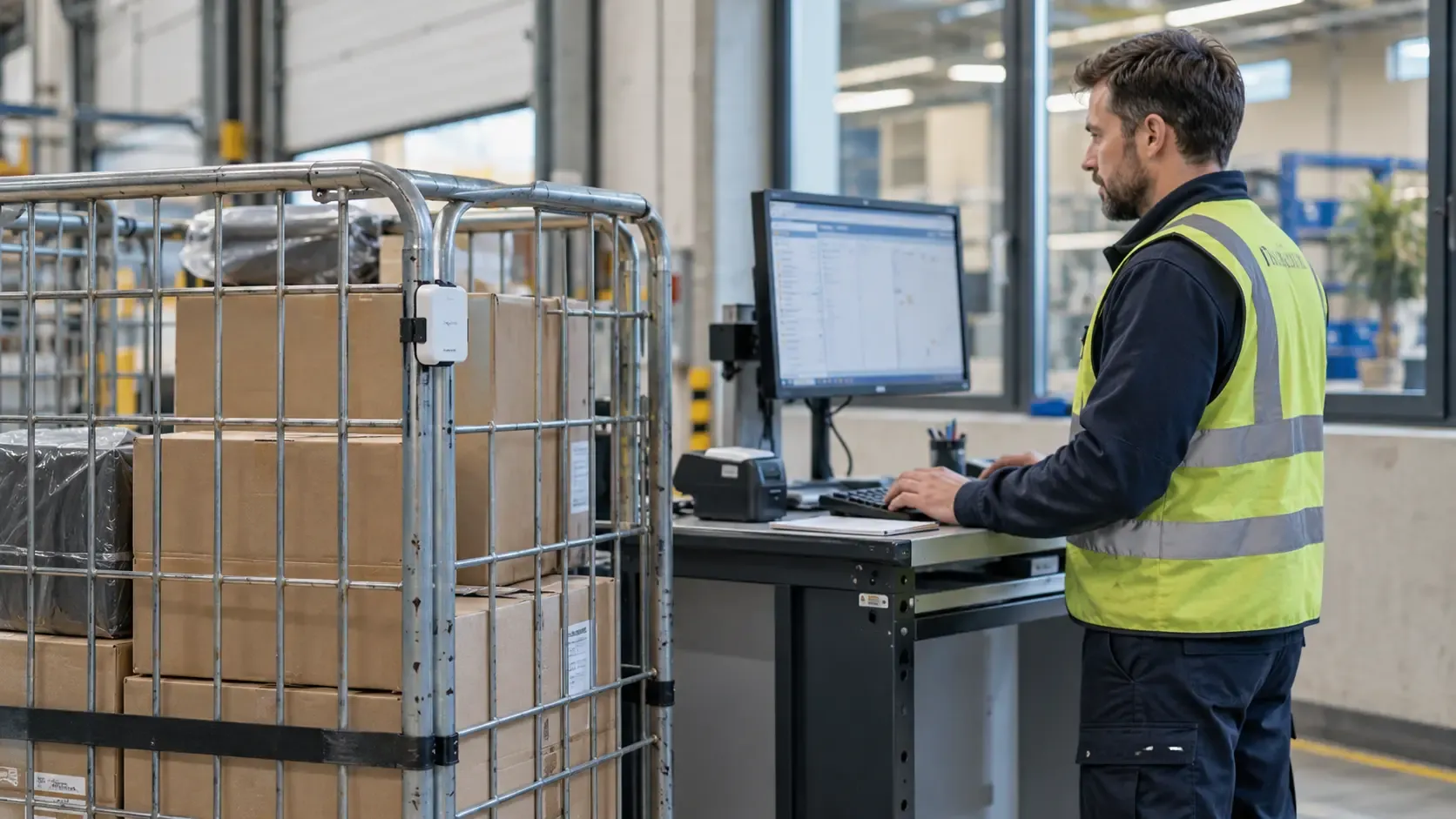
Associate each asset with its type, owner, and operational record so a location becomes useful to the person searching. When availability or contents matter, combine position with status information from your warehouse system or a configured workflow.
Locate individual roll cages, containers, trolleys, and stillages
Find assets by identity, type, or ownership
See where container pools are concentrated
Help teams retrieve assets from the correct area
Reduce time spent walking aisles and checking staging zones
Record What Enters and Leaves Each Space
Knowing that a container is somewhere in a warehouse provides limited control. Knowing when it entered receiving, reached storage, or left dispatch provides a record of its progress.
Define zones around the spaces that matter to your operation. Configured rules can record transitions and raise exceptions when an asset reaches an unexpected area or remains longer than allowed. Arrival rules can include dwell thresholds to distinguish a handover from an asset briefly passing through.
Record entry and exit events for defined zones
Measure time between successive movements
Track transfers between departments and buildings
Identify assets that remain beyond a dwell threshold
Detect movement into an unexpected destination
Create a history of location-based handovers
Keep Roll Cage and Container Pools Available
Container shortages often reflect circulation problems. One area keeps empty roll cages longer than necessary while another waits for replacements. Buying more assets can hide that imbalance without resolving it.
Use location and return-cycle data to understand where assets accumulate and how quickly they become available again. Where empty, loaded, or unavailable status is supplied through an integration or workflow, teams can use that context to plan collection and redistribution.
Monitor asset counts by site, department, or zone
Identify areas retaining containers beyond the expected cycle
Track return time between dispatch and reuse
Support collection requests when assets accumulate
Compare circulation patterns across shifts and facilities
Use evidence of asset demand when planning pool size
Understand Forklift Movement and Fleet Utilization
Two forklifts can travel the same distance and contribute differently to throughput. One completes handling tasks throughout the shift; the other spends time traveling between collection points or waiting at dispatch.
BlueGPS adds location history to fleet analysis. Review routes, distance traveled, and stationary periods to understand where time goes. Connect task records or vehicle telemetry where you need to distinguish loaded travel, empty travel, handling, charging, and other operating states.
Compare travel patterns by vehicle, area, and shift
Identify repeated journeys and route detours
Measure stationary time in selected operating zones
Investigate queues around collection and delivery points
Combine movement with task data to assess productive use
Support fleet allocation and capacity decisions
Reveal Queues and Staging Delays
A dispatch delay may begin hours before loading. Containers arrive too early, collect in the wrong staging area, or wait for a vehicle that serves several departments. The final missed departure shows the result, while movement history helps explain the cause.
Track how assets accumulate and leave each staging zone. Compare dwell time and movement rates to identify where flow slows, then investigate staffing, release conditions, equipment availability, or scheduling.
Measure dwell time in receiving and dispatch staging
Track the number of assets waiting in each zone
Identify peaks in accumulation by time and shift
Compare flow through different routes or departments
Investigate delays between arrival and onward movement
Assess whether process changes reduce waiting
Coordinate Material Delivery With Demand
Material delivered too early consumes space. Material delivered too late interrupts picking, assembly, or replenishment. Intralogistics tracking helps teams understand whether physical delivery is keeping pace with demand.
Link tagged containers with orders, destinations, or replenishment tasks through your operational systems. A configured workflow can identify material waiting for collection, record arrival at its destination, or alert a team when the expected container has not reached the area.
Connect container identities with orders and destinations
Track movement from storage to point of use
Identify deliveries that remain in intermediate staging
Record arrival in the required work area
Support replenishment and collection workflows
Reduce accumulation around production and picking areas
Connect Physical Flow With Your WMS and ERP
Warehouse and enterprise systems manage inventory, orders, and tasks. Location events add evidence of where handling assets move between those transactions.
For example, a roll cage associated with an outbound order can generate an arrival event when it reaches the designated dispatch zone. Your integration can use that event to inform a workflow, raise an exception, or enrich the order record.
Associate tracked assets with warehouse and business records
Share selected arrival, departure, and dwell events
Compare expected destinations with observed movement
Reduce manual location checks between process steps
Give warehouse and production teams a shared physical view
Learn more about connecting RTLS with ERP systems.
Find tagged handling assets on maps and search by identity, type, or associated business information.
Zone Entry and Exit Events
Convert movements between operational spaces into records of arrival, departure, and dwell time.
Container Circulation Analysis
Understand where assets accumulate and how long they take to move through collection, transfer, and return cycles.
Forklift Route Analysis
Review travel paths and stationary periods to investigate fleet movement and operating constraints.
Location-Based Rules
Configure alerts and workflows around destinations, presence, movement, and time spent in defined areas.
Operational Integration
Connect location events with the systems managing orders, inventory, transport tasks, and asset status.
Measure the Flow That Drives Performance
Establish a baseline, identify where time is lost, and measure the effect of operational changes.
Search
Time spent locating handling assets
Dwell
Time assets remain in staging and waiting areas
Cycle
Time between asset departure and return
Movement
Travel and stationary time by vehicle and shift
TECHNICAL EXCELLENCE
Tracking Designed Around Your Operation
Tracking Technologies
Bluetooth tracking
Ultra-wideband positioning
GPS for outdoor coverage
Integration Options
APIs
MQTT
Enterprise event bus
Deployment Options
On-premise
Cloud
Deployment selected around operational requirements
Match Coverage and Precision to the Process
Choose tracking around the decisions your teams need to make. Locating a pool of roll cages may require zone visibility. Analyzing forklift routes may require more frequent position updates and greater precision.
Site design should account for racking, metal containers, building layout, travel speed, and indoor-to-outdoor transitions. Configure the technology, update rate, and zone boundaries around the movement you need to observe.
Tracking coverage: Selected spaces and facilities
Positioning requirement: Zone or coordinate level
Update frequency: Matched to the workflow
Frequently Asked Questions
What is intralogistics tracking?
Intralogistics tracking records the location and movement of materials and handling assets within an operation. It helps teams follow roll cages, containers, forklifts, and other equipment through receiving, storage, staging, production, and dispatch. Location history also shows where assets wait and how their movement changes over time.
Can BlueGPS track roll cages and roll containers?
Yes. Tagged roll cages, roll containers, stillages, and trolleys can be associated with asset records and tracked across covered areas. Teams can locate individual assets and monitor their movement between zones. Contents, quantity, and empty or loaded status require information from an associated system or workflow.
How does tracking record movement into and out of spaces?
Operational areas are defined as zones on the facility map. As tracked assets cross those boundaries, configured rules can generate entry, exit, and dwell events. Boundary design and confirmation thresholds help distinguish an asset arriving in an area from one passing nearby.
How can forklift tracking improve utilization?
Forklift location data shows routes, travel, and time spent stationary in defined areas. This helps teams investigate waiting, route length, and uneven allocation. Productive utilization requires additional context: task records or vehicle telemetry can distinguish handling work from empty travel, charging, breaks, or maintenance.
Can assets be tracked across multiple facilities?
Yes, where the facilities have connected tracking coverage. The same asset identity can support a record of movements between sites. Continuous visibility during transport requires suitable tracking hardware and connectivity; otherwise, departure and arrival events establish the transfer history.
Does intralogistics tracking replace a WMS?
A WMS continues to manage warehouse inventory, orders, and tasks. BlueGPS adds location and movement data that can inform those processes. The integration determines which events update records, trigger workflows, or require a further confirmation.
Does every asset require the same tracking accuracy?
No. Zone-level visibility may be enough to manage container pools, while route analysis or neighboring work areas may require greater precision. Select accuracy and update frequency according to the process, then validate performance in the operating environment.
This site uses cookies that are strictly necessary for it to function, and
optional analytics cookies that help us understand how the site is used.
Analytics stay off unless you accept, and you can change your choice at
any time. Read more in our Cookie Policy.