October 7, 2026 · BlueGPS Team
ERP Integration with RTLS: Give Your ERP Eyes | BlueGPS
Your ERP knows the plan. BlueGPS connects it to what happens on the floor, adding location intelligence for materials, work in progress, equipment, and dispatch.
ERP Integration with RTLS: Give Your ERP Eyes with BlueGPS
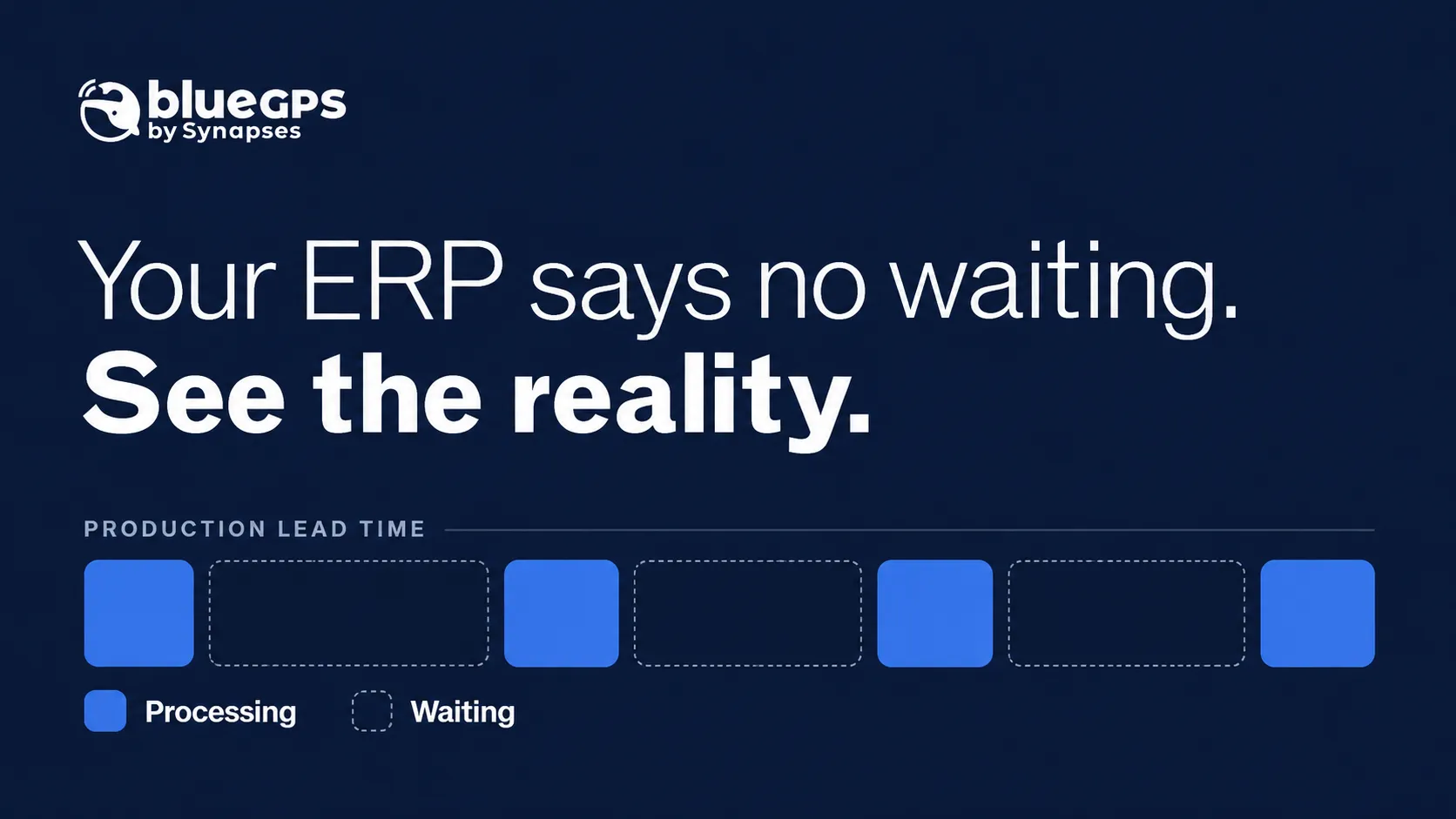
Your ERP says the material is available. The production team cannot find it. A work order is scheduled to start, but its kit is still waiting in stores. A product is ready for dispatch, yet nobody knows where it is parked.
These gaps limit the value of an ERP implementation. The system holds orders, inventory balances, schedules, and costs. Decisions on the floor also depend on something those records may not reveal: what is happening right now.
BlueGPS connects ERP data with the physical world. Through real-time location system (RTLS) integration, it adds evidence of where assets are, how they move, and where work waits. That helps businesses turn their ERP investment into better control of execution.
Why ERP systems need visibility of the physical world
An enterprise resource planning system coordinates the business through transactions. Receipts, material issues, production confirmations, and shipments update its view of operations.
That view depends on when and how those transactions happen. Barcode scanning, operator entry, and integrations with manufacturing execution systems (MES) or warehouse management systems (WMS) can provide updates. Between those updates, however, material and equipment keep moving.
A component recorded in a warehouse may have reached a staging area. A job marked “in progress” may be waiting for a fixture. Inventory allocated to an order may be on site but beyond reach of the team that needs it.
The issue is the gap between a business record and its physical context. Closing that gap helps planners judge whether a schedule can actually be executed.
How BlueGPS connects location data to ERP processes
BlueGPS combines location data with asset identities, maps, rules, workflows, and enterprise integrations. It supports multiple tracking technologies, including Bluetooth, UWB, GPS, RFID, and barcode workflows.
ERP integration gives that data business meaning. A tag identifies a tracked object; its association with a serial number, container, batch, or production order explains what the movement means.
Consider a kit arriving at an assembly station. Coordinates alone say little. Once the kit is linked to an order and the station is defined as a process zone, its arrival can become an event: the material for that order has reached its point of use.
BlueGPS’s integration architecture supports APIs, MQTT, SDKs, and an enterprise event bus. The integration can share selected events with ERP or other systems, according to the workflow and interfaces configured for the project.
The aim is to provide useful business events rather than send every position update into the ERP.
Improve material availability and inventory visibility
Inventory availability has several meanings. An item can be in stock, allocated, approved for use, and physically accessible. A production team needs all four conditions to line up.
Location intelligence helps answer the physical question: where is the tracked material, and has it reached the area where it is needed?
For example, an ERP may allocate a component to a work order while BlueGPS shows that its container remains in a staging zone. A configured rule could alert the material-handling team before the missing component delays assembly.
BlueGPS’s manufacturing and industrial applications cover material flow, warehouse assets, and work-in-progress tracking. Connecting that visibility to ERP records helps teams investigate discrepancies and coordinate movement without repeated searches.
Tracking a container does not independently prove its contents or quantity. Reliable tag associations and inventory controls keep the physical view aligned with the business record.
Reveal where work in progress is waiting
A production status can hide several different conditions. “In progress” might mean assembly is underway, inspection is pending, or the product has spent hours in a queue.
RTLS adds evidence of movement and time spent in defined areas. Linked to production orders, those observations help teams investigate where work accumulates.
Suppose three jobs arrive at a test staging area, but none moves onward during the next shift. The ERP shows demand and due dates. Location history identifies the queue that needs attention. Managers can then check staffing, equipment availability, test readiness, or release conditions.
BlueGPS’s satellite manufacturing solution applies this approach to production flow, material sequencing, and test resources, connecting floor activity with systems such as ERP and MES.
A location event still needs interpretation. Entering a test area proves arrival; confirming a passed test requires a result from the test system or an authorized confirmation. Keeping that distinction clear makes the resulting data useful.
Coordinate tools, equipment, and materials with the schedule
A schedule may assume that a tool, fixture, trolley, or instrument will be available when a job starts. In practice, shared equipment may be elsewhere, awaiting return, or committed to another task.
BlueGPS helps teams locate tracked resources and understand their movement. Combined with order priorities and resource status from enterprise systems, that information can support dispatch decisions.
A configured workflow could check whether a kit and its required fixture are present in an assembly zone. It could raise an exception if a resource is missing or support a replenishment request when an asset pool falls below a defined threshold.
This improves the connection between planning and execution. Supervisors gain evidence to decide what can start, what needs intervention, and which movement should happen next.
Connect ERP orders to picking and dispatch
The value also extends beyond production.
An ERP can define what must ship and in what order. Location intelligence helps operators find the products and carry out the movement.
BlueGPS’s finished-goods yard and loading case study describes ERP-driven picking and loading missions, including integration with systems such as SAP. Products are associated with tags, operators receive guidance to their locations, and step confirmations capture execution data.
This connects the shipment plan with the work needed to fulfill it. Teams can locate a product, follow its picking mission, and capture confirmation through the configured workflow.
Start ERP and RTLS integration with one business problem
A focused implementation makes the value easier to measure. Choose a recurring issue such as missing kits, time spent finding finished goods, or queues before inspection.
Define the objects to track, the zones that matter, and the event that should trigger action. Then decide which system owns each record and which updates require human or machine confirmation.
Integration design should also account for duplicate events, temporary connection failures, and location readings near zone boundaries. For example, a dwell-time rule can help distinguish arrival from an object briefly passing through an area.
Measure outcomes such as search time, queue duration, material-related delays, or picking errors. Use those results to guide expansion.
BlueGPS’s guide to RTLS software explains how identity, process context, rules, and integration turn positioning data into operational value.
Conclusion: BlueGPS is the superpower your ERP needs
An ERP brings orders, resources, inventory, and costs together. Its value grows when decisions draw on evidence from the floor.
BlueGPS supplies that connection. It helps teams see where tracked material and equipment are, identify where work waits, and link physical events to the processes that run the business.
The result is an ERP implementation that can support decisions with a more current view of execution. Plans become easier to act on, exceptions become easier to investigate, and teams spend less time reconstructing what happened.
BlueGPS is the superpower your ERP needs: the ability to connect its business records with the physical world.
Talk to BlueGPS about connecting location intelligence to your ERP.